Update your communication preferences
Update your communication preferences
Visit My Account to manage email preferences and opt into receiving text messages
Frequently asked questions
Two different types of accounts can be used to sign into My Account.
Ohio State name.#
- You might choose this option if you have an active name.# account with Ohio State – current students, employees and recent graduates.
- You would use this account to update your email delivery or access student records.
- Contact Ohio State's IT Service Desk at 614-688-4357 for help logging in with this method.
Alumni/Friends
- You might choose this if you're an alum, donor or event registrant.
- You would've created this account to manage donations, view gift receipts or register for a university or alumni association event.
- Contact the Engagement Center at 1-800-678-6355 for help logging in with this method.
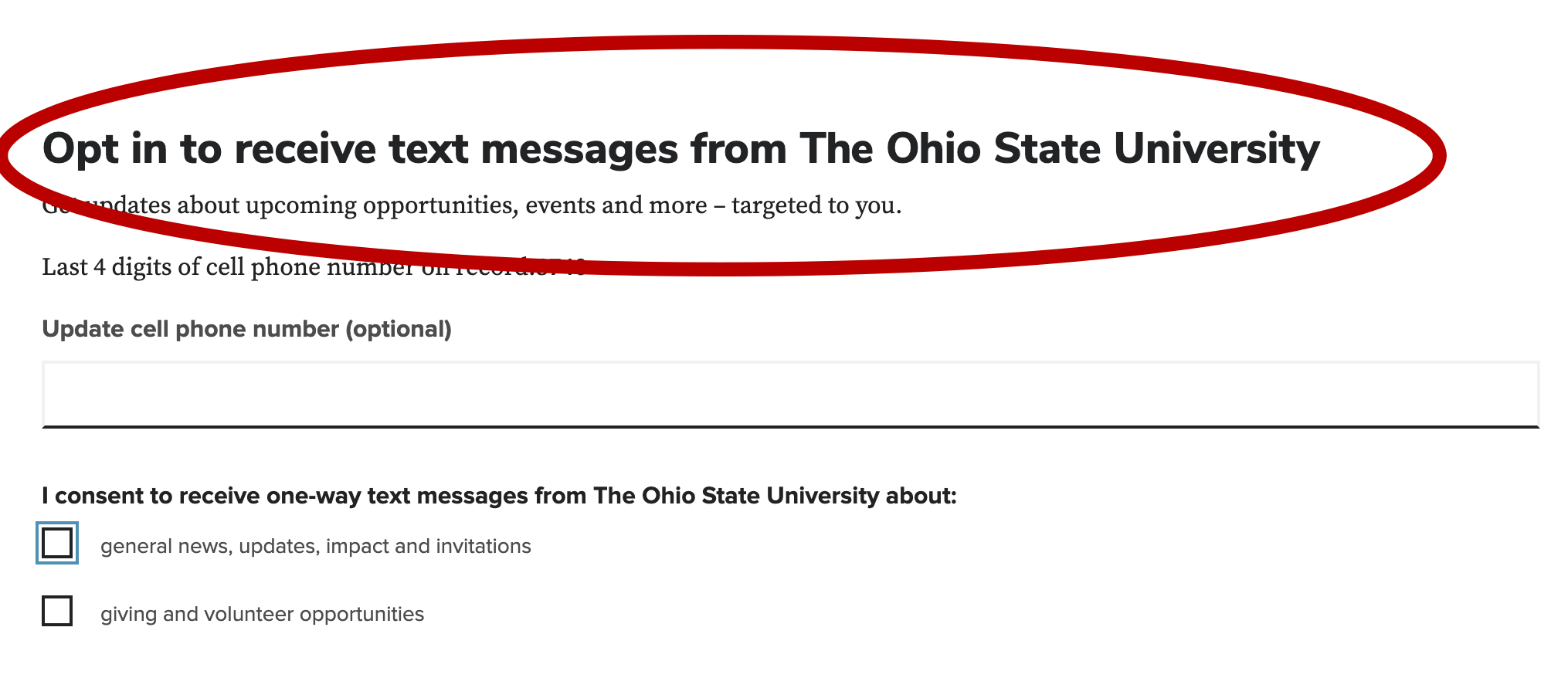
After logging in, visit the Preferences tab to manage email preferences and/or opt into receiving text messages.

Once logged in and on the Preferences page, scroll past the email preference options to locate the space for texting preferences.
Follow the instructions on the page to opt in or make changes.